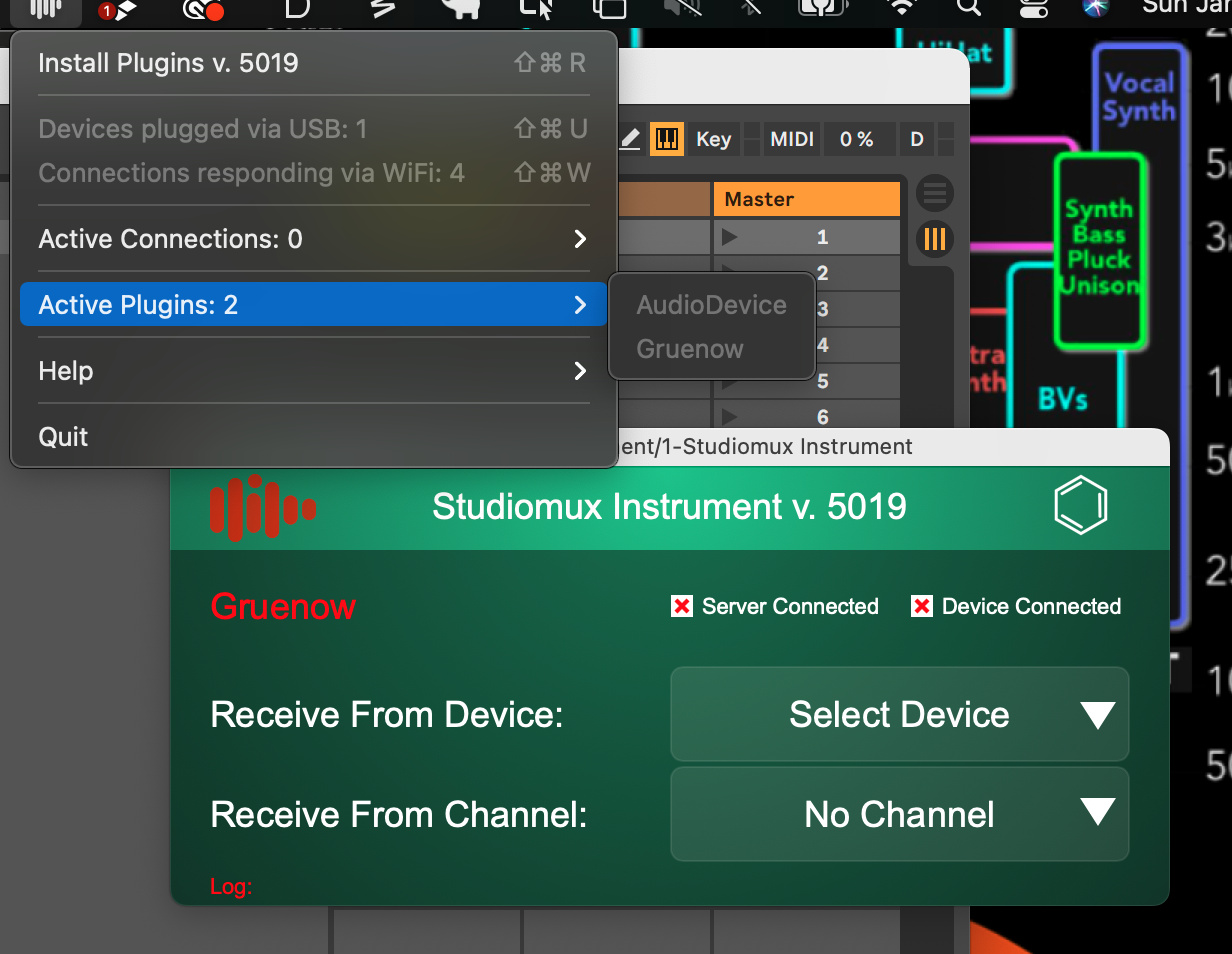
New server is for Windows only?
Mac as well…via dropbox link in the iPad Test flight notes
Thanks for pointing that out…My eyes only locked on the .exe file…
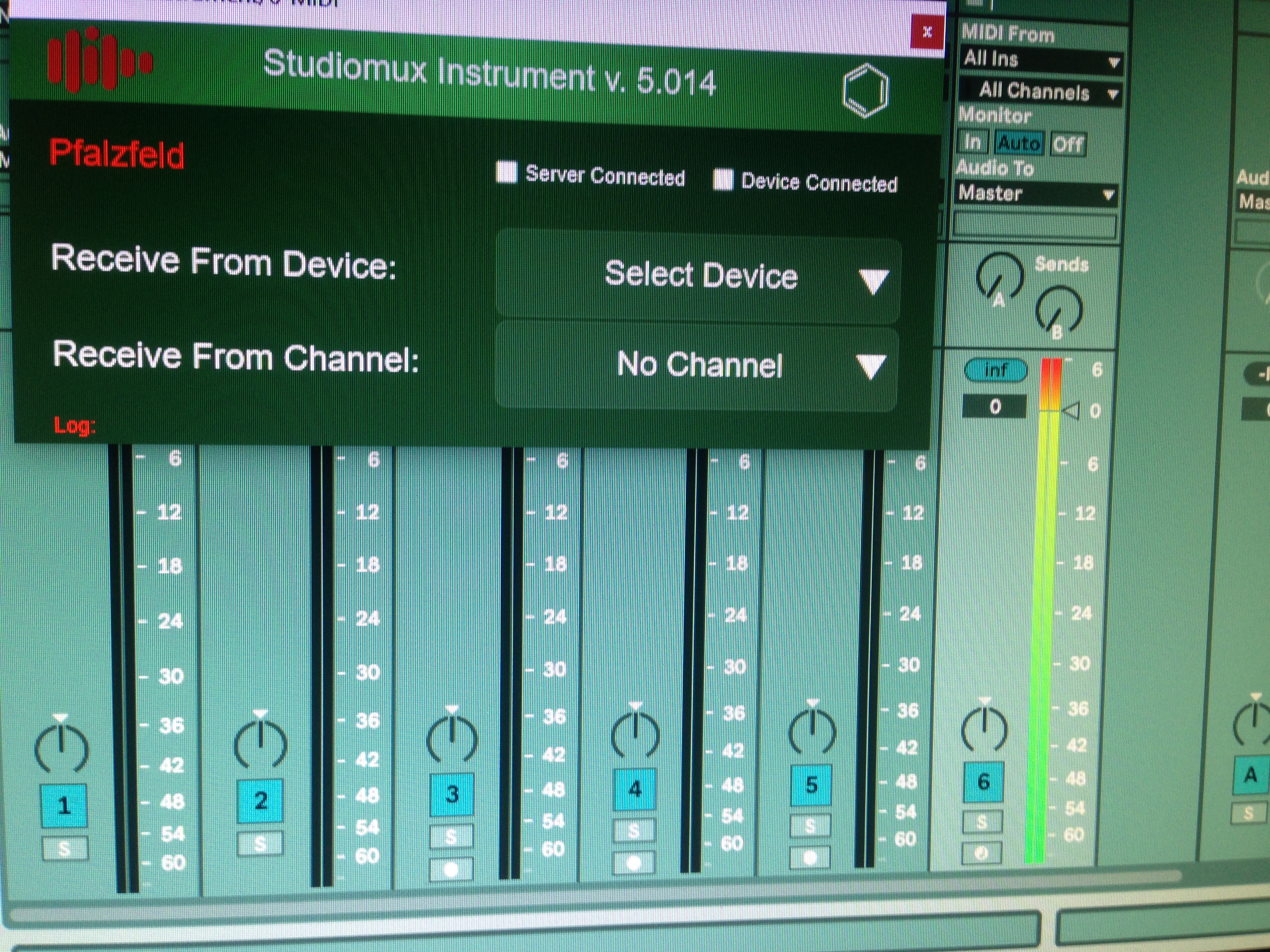
the mac-installer i downloaded was indeed for 5.017 but it was installing the plugins for 5.014 …so they are not working at all …anyone had the same problem ?
the ones in the package seem to be the 5.014
Hey is Studiomux only going to run on newer ipad devices with Ios 14 and up? If so Im out.
Hi,
little update from us:
- we could finally restore AUv3 compatibility on devices running iOS 14+, it was one line of code and days of work

- samplerate/buffersize behaviour has been improved
- the audio device on mac is in the making (it will already be installed and detected within the new server for testing, but not receive or send audio)
- vsts are now installed via shell script (sudo) only, you may have to remove the old ones before installing the server
5.018 mac server link:
Unfortunately our webserver is not working properly at the moment. But all change logs and servers are archived and will be avaible on our webserver soon.
Best
will check that.
I attached a new server link in the comment above.
it says this item was deleted.
Hey,
i could reproduce all of your issues, when using the Testflight App beta version in combination with the released server. When debugging the connection works fine.
Seems like there has been some new changes to packages signing, that causes the connection to fail… I will try to fix it asap and upload new versions.
Best
Pascal
I deleted the malfunctioning server sources, have to fix the release versions…
Could you please try this server, it should fix the VST and connections issues:
Mac:
Win:
Best
Pascal
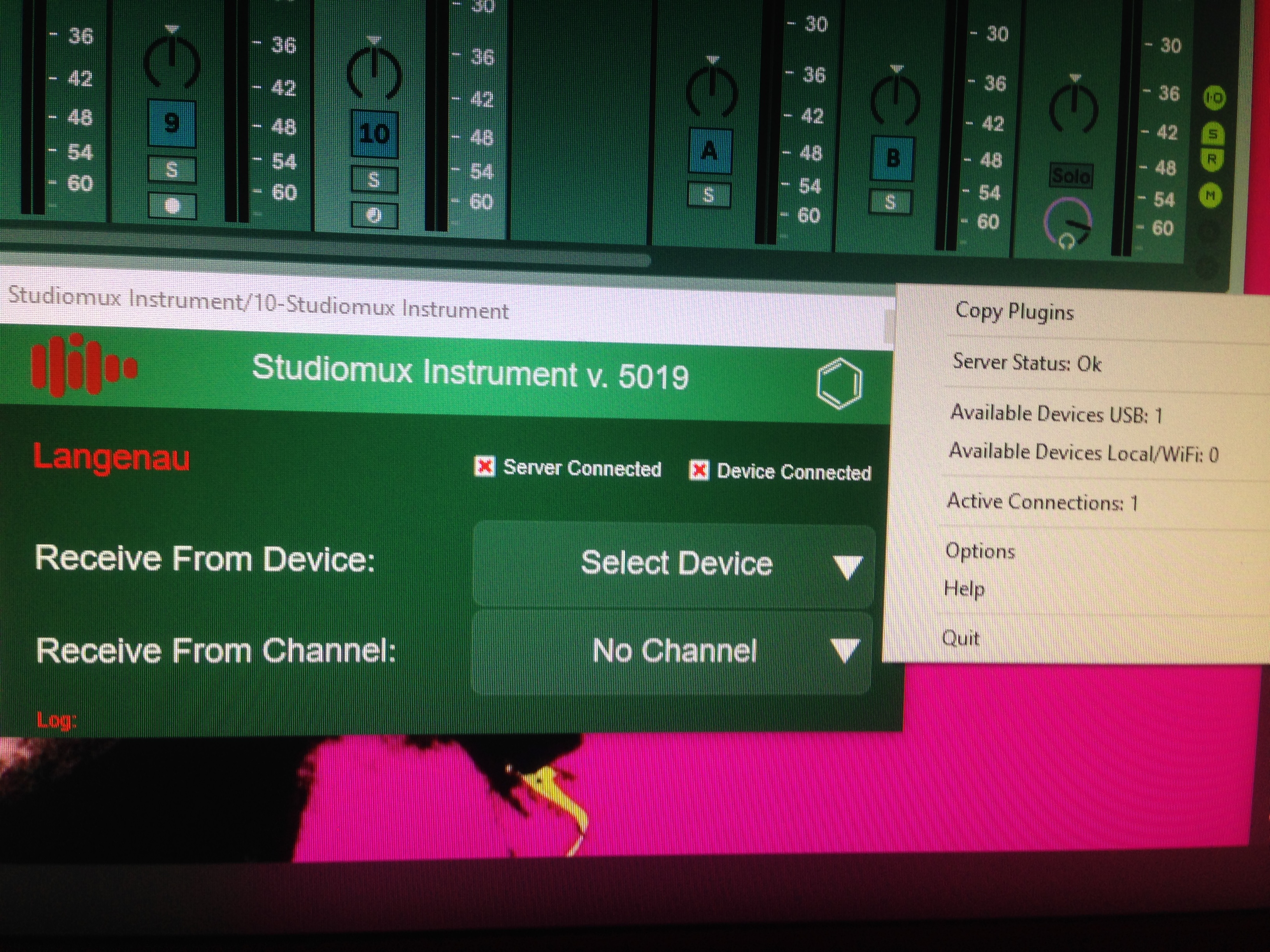
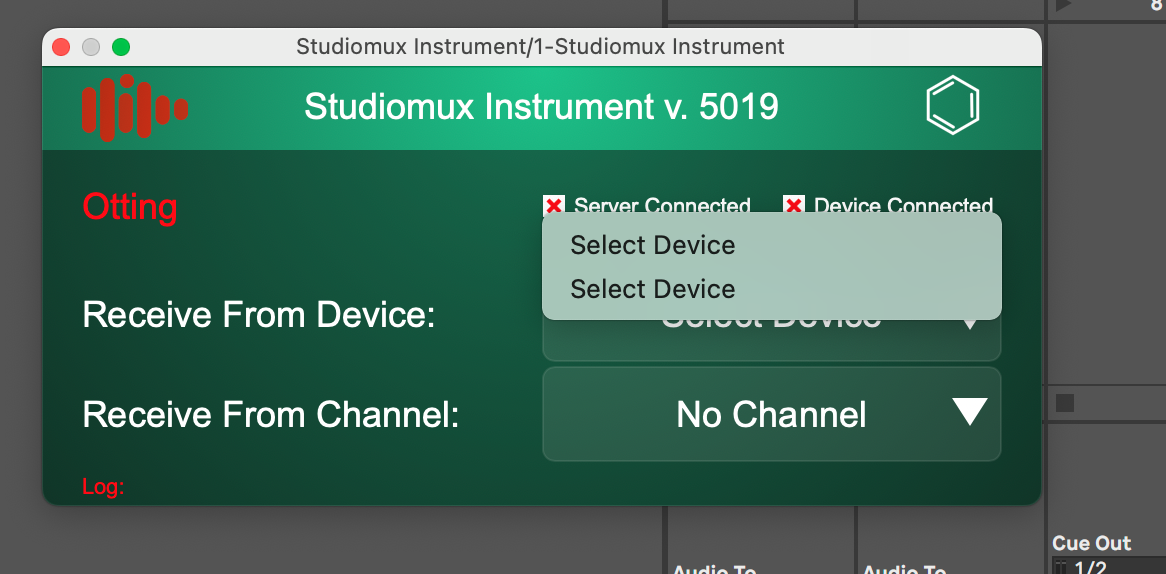
i don’t know if the iPad app also is updated …I didn’t get an update yet …but as of now…the installed plugins of the last build are 5.019… I can’t get a working connection with the pluginand iPad…but the server sees connected usb-device… in the plugin nothing gets detected.
Hi Pascal, as the post above. iPad app now loading AUV3 & IAA & feels much more stable & audio overload in Ableton is fixed, however on win 10 the plugins are unable to make a connection, it is not possible to choose a device or a channel.
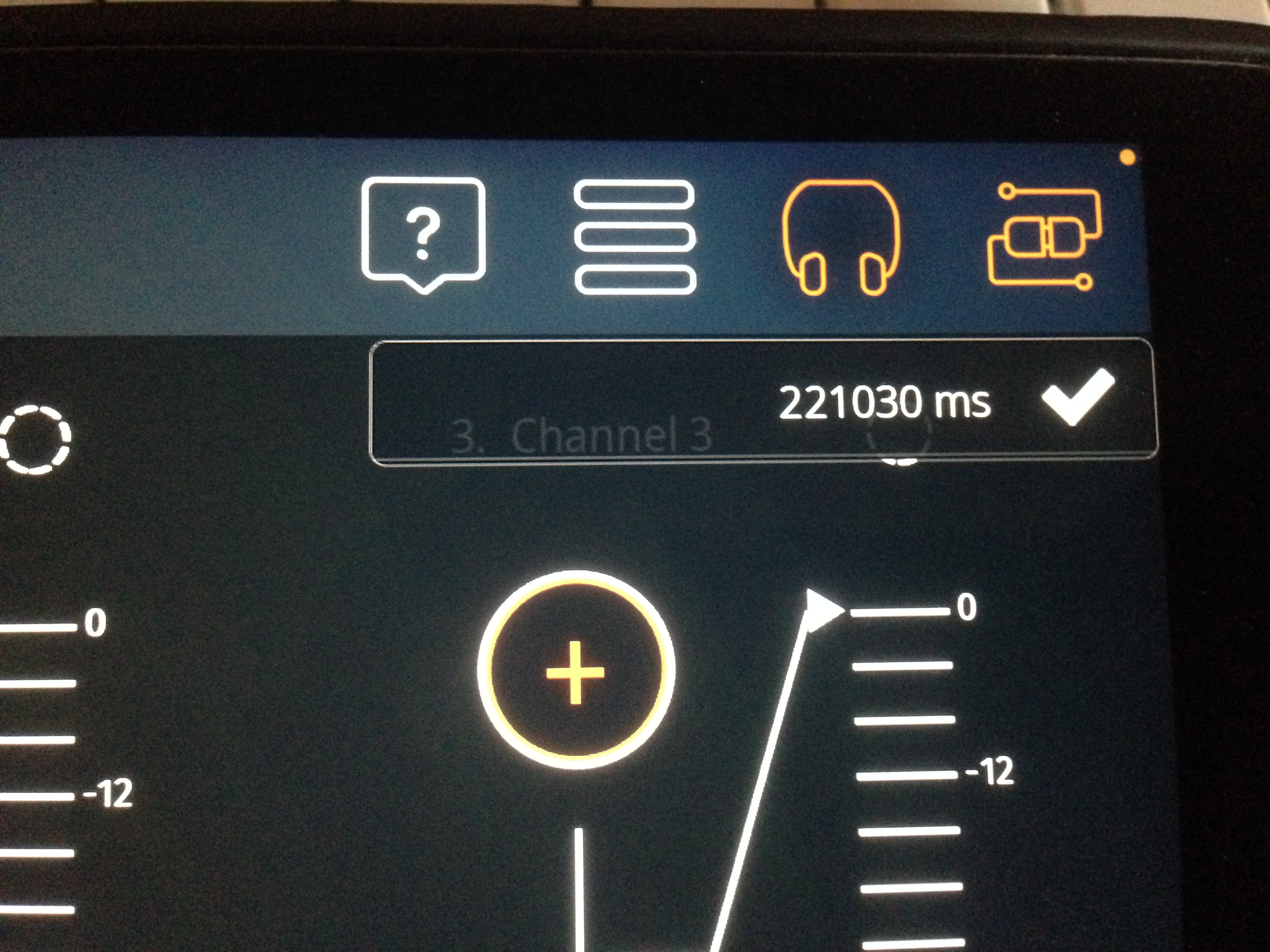
Hey all - is there a link to the manual for studiomux anywhere? Have looked through the website (some wrong links by the way) - I just want to make sure I’m setting everything up correctly as I’m on a macbook I bought after the last time studiomux was set up (was set up on old macbook but transferred everything over) – I don’t see studiomux as any type of ableton controller, so…
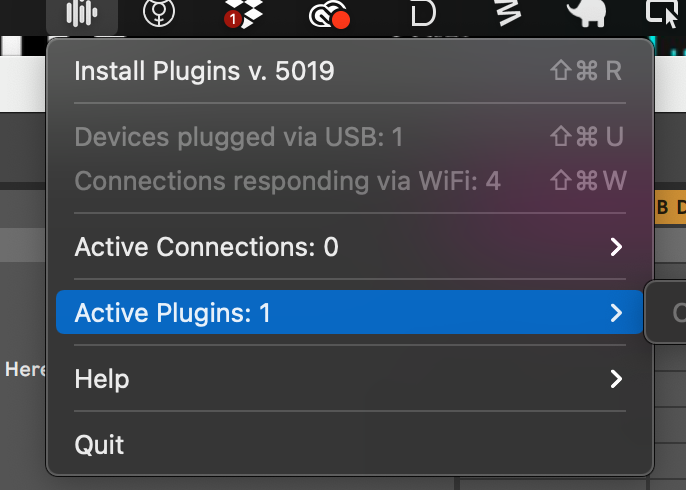
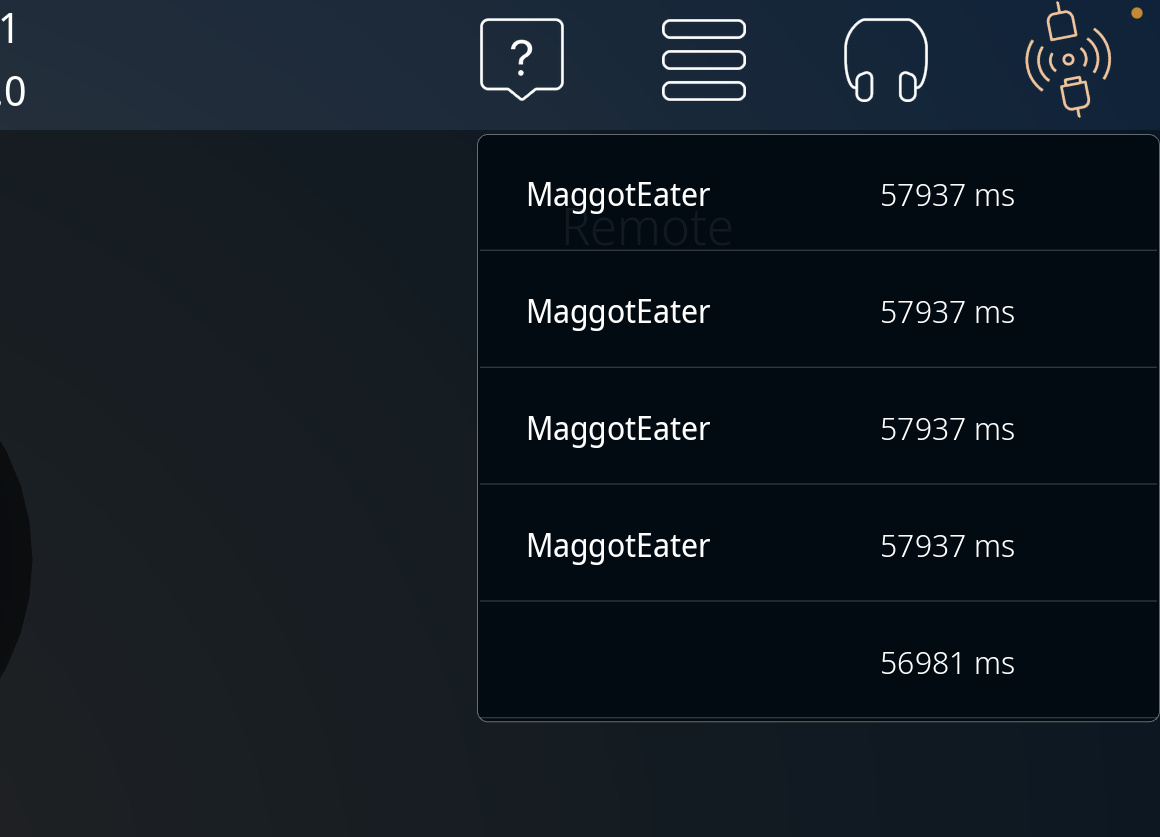
I’ve been having ZERO luck at all, and this is a MUST HAVE app for me as I used it all the time originally; up to now I’ve been getting studiomux ios crashing when I open up ableton, but finally have them both up but not seeing the connection and just want to be sure I’m mot an idiot.
Thank you sir; was poking around and couldn’t find it. Much appreciated.
ios 14 pretty much broke it, & there isn’t a working Beta for the new app yet, so it’s probably not you!